
Blog
How to Claim Your Google Business Profile Listing: A Step-by-Step Guide
By Jono Slade · Published May 20, 2024 · Updated July 10, 2026
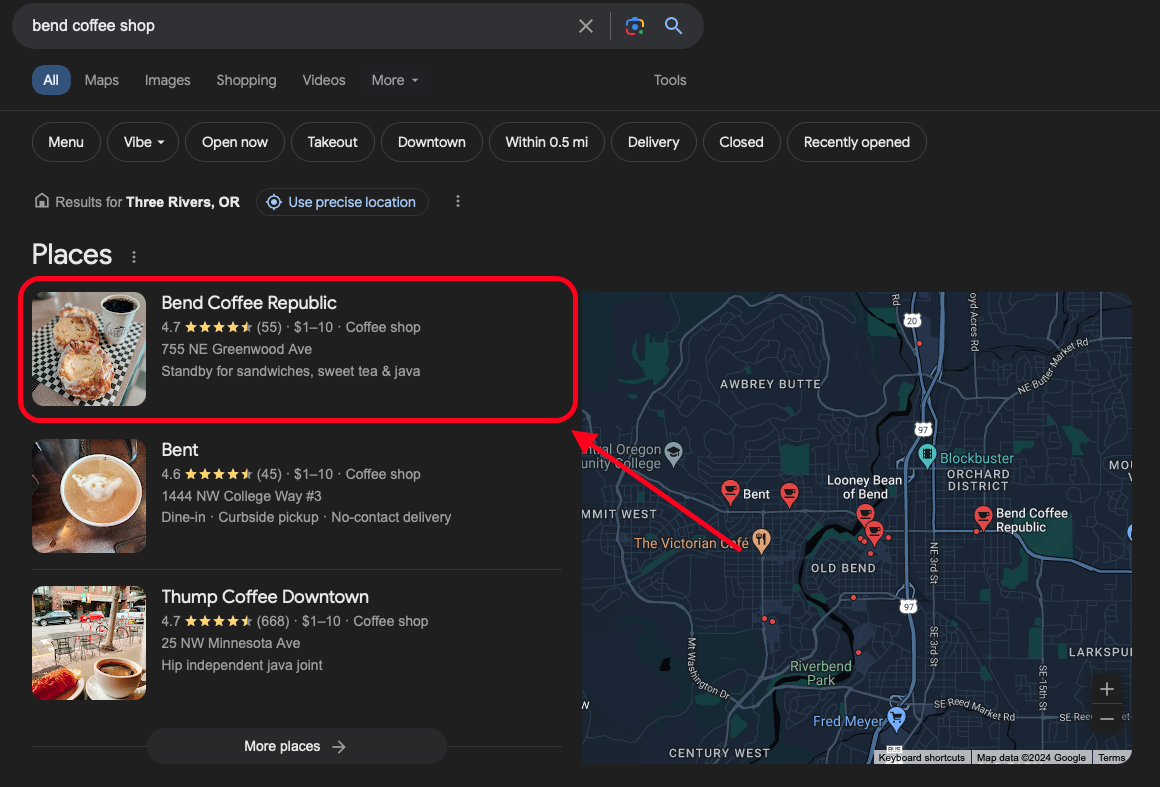
If you run a local business, your Google Business Profile (formerly called Google My Business) is one of the most valuable free tools you have. Claiming it lets you manage how your business appears across Google Search and Maps, and it’s the foundation of your local SEO. This guide walks through claiming your listing and keeping it accurate.
Why Claim Your Listing?
Enhanced visibility. Claiming and optimizing your profile helps your business appear in local search results and Google Maps, which is where local customers are looking.
Customer trust. Accurate, up-to-date business information makes customers more comfortable choosing you.
A direct line to customers. Your profile gives you a way to communicate through reviews, questions and answers, and posts.
Step-by-Step: Claiming Your Listing
Step 1: Sign In to Google
Go to Google Business Profile and sign in with your Google account. If you don’t have one, create one first.
Step 2: Add Your Business
Click “Manage now” and enter your business name. If your business appears in the drop-down menu, someone has already added it and you can claim it. If not, click “Add your business to Google.”
Step 3: Enter Your Business Information
Fill in your business name, location, and category accurately. Make sure this information matches exactly what appears on your website and on citations like Yelp or Tripadvisor. Consistency here matters for rankings.
Step 4: Verify Your Business
Google needs to confirm your business is where you say it is. The most common method is postcard verification: Google mails a postcard with a code to your business address, and you follow the instructions to verify. Some businesses qualify for phone, email, or video verification.
Step 5: Optimize Your Listing
Once verified, add business hours, photos, services, and other details. Regular updates and high-quality images make your listing far more likely to get noticed.
Step 6: Manage Customer Interactions
Respond to reviews and answer questions. This builds trust with customers and signals to Google that your business is active and helpful.
Best Practices for Maintaining Your Listing
- Keep it current. Update hours, contact info, and services whenever they change.
- Engage with reviews. Thank customers for positive reviews and address issues raised in negative ones, professionally.
- Use the insights. Your profile’s performance data shows how customers find and interact with your listing, and where you can improve.
Claiming your Google Business Profile takes maybe an hour, and it’s one of the highest-return tasks a local business owner can do. Claim it, verify it, fill it out completely, and then check in on it regularly. That alone puts you ahead of a lot of your competition.
Once your listing is verified, keep the momentum going: optimize your Services section, add Products, and work through the 45-point local SEO checklist. If you’d rather have it handled, our local SEO service manages profiles end to end.
Ready to Stop Spinning Your Wheels?
You don't need to figure out SEO, reviews, or automation on your own. Let's build a digital foundation that attracts high-quality leads and turns them into paying customers.
Book Your Free Strategy Call →